For trades and local service businesses
Before-and-after posts that bring in new leads.
Turn finished jobs into new clients. Upload two photos from your last job and get a library of branded before-and-after images and videos for Instagram and TikTok. Pick the ones you like, download, post. Under a minute, no design skills.
Two photos in, finished posts out Free to start, no cardMade for Instagram and TikTok
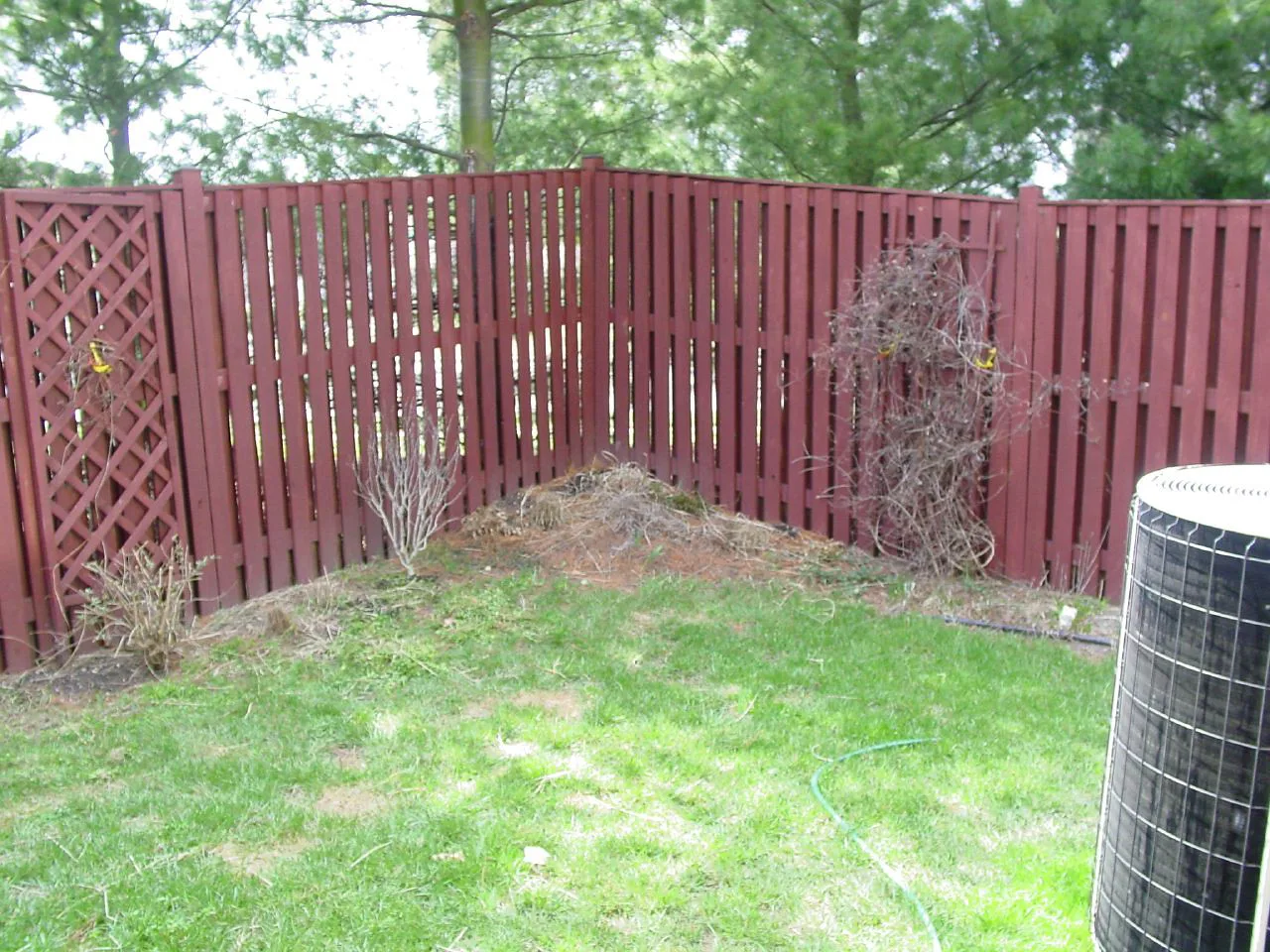
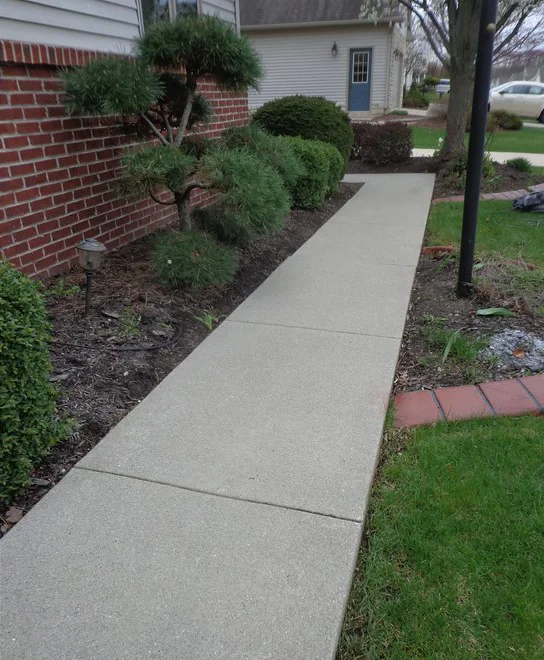
perthgardenrenovations
Perth, Western Australia
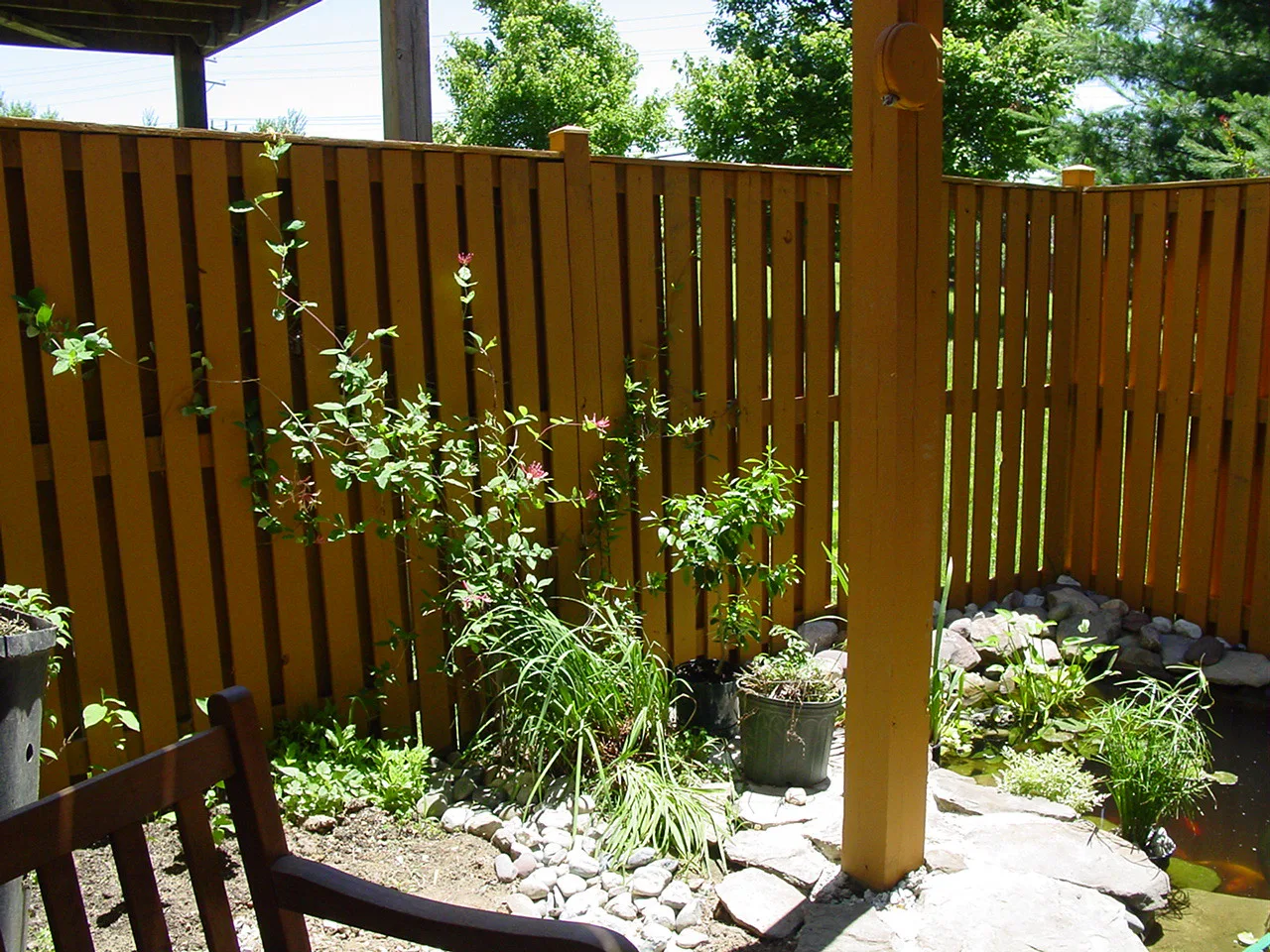
perthgardenrenovations Garden back in shape 🌿 A full garden renovation in Perth, from bare dirt to the finished path. Request a quote.
perth.home.diaries Unreal transformation 😍
View all 187 comments
Yesterday
jimsmowingbrighton
Brighton, South Australia
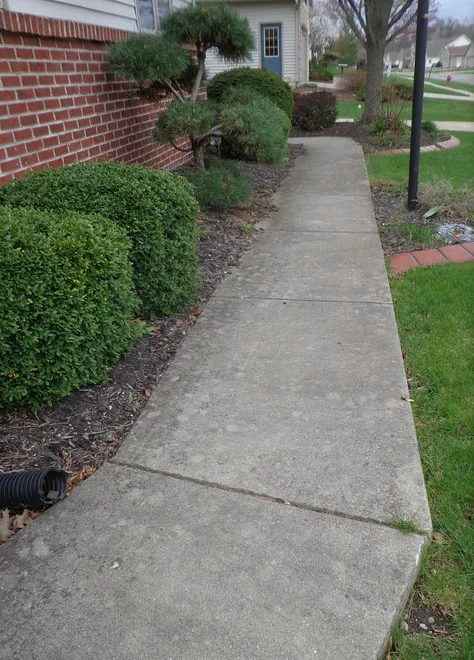
jimsmowingbrighton Front lawn back in shape 🌿 Mowed, edged and tidied in Brighton. Send us a message for a quote.
brighton.local Can you do ours next? 🙌
View all 134 comments
2 hours ago
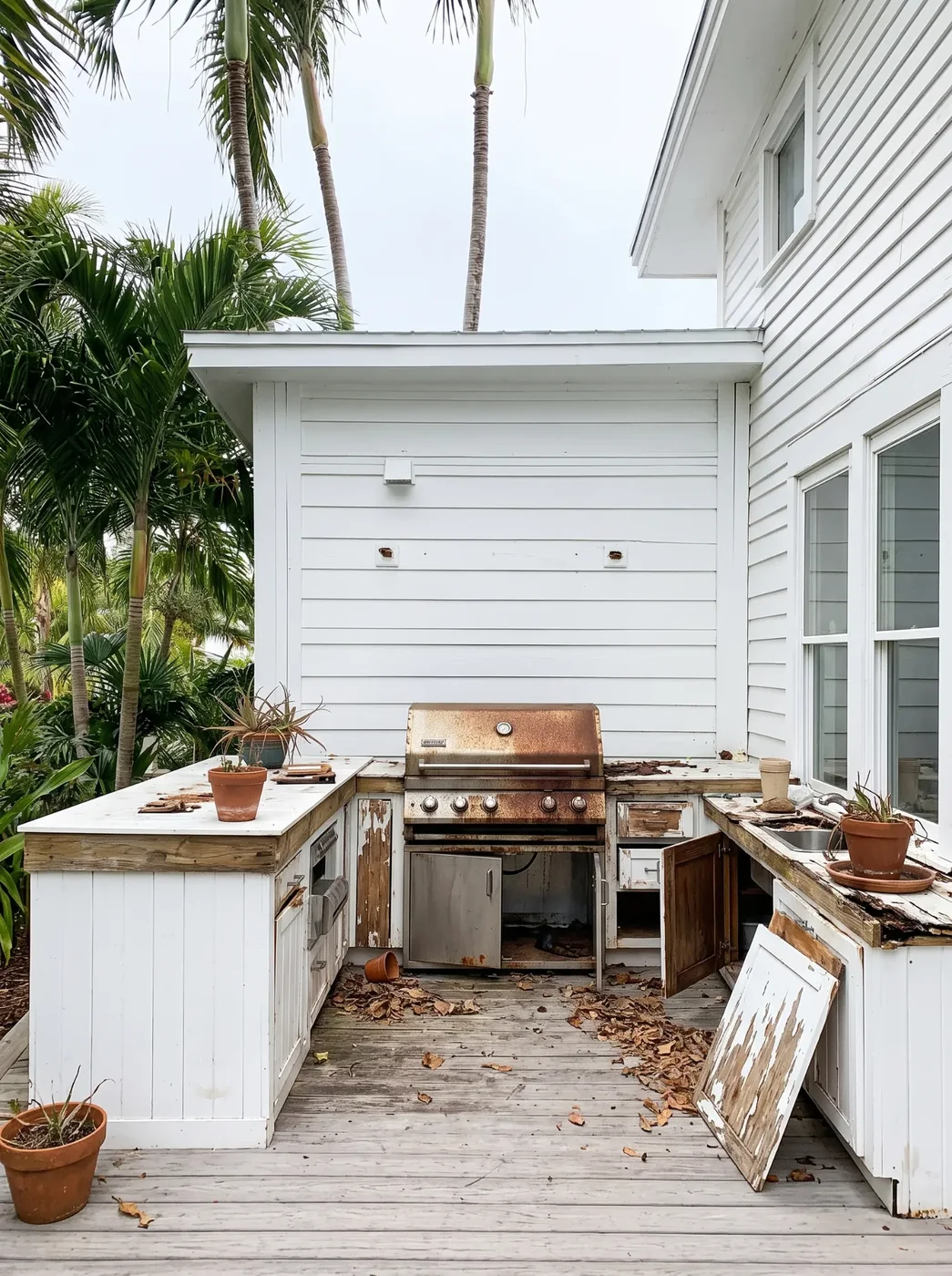
palmcoastoutdoor
Semaphore, South Australia
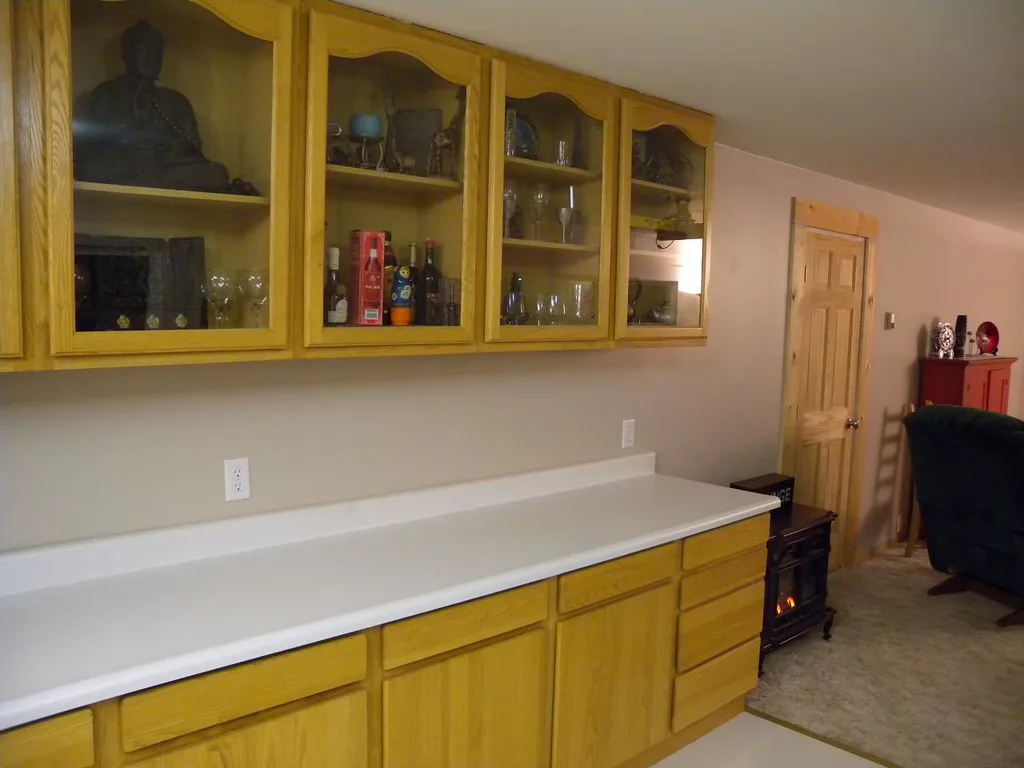
palmcoastoutdoor Alfresco, back in business 🌴 Outdoor kitchen restoration in Semaphore. Request a quote.
semaphore.sam What a transformation
View all 96 comments
3 days ago
Get started
Create your first post for free.
No account, no setup. Add the before and after from your last job and go straight through to a library of finished posts. You only sign up when you want to download.
Photos, or videos up to 15 seconds, straight from your phone. Your posts open as soon as both are in.
“Before-and-after posts always do the best for me, but they took so long to put together that I hardly posted any. JobReveal has them done in the ute before I leave the job. I post about four times as many now.”
Three steps. About thirty seconds.
No design software, no settings to learn, no blank caption box.
- 1
Add two photos
The before and after you already took. Straight from your camera roll, no editing first. Then a few words about the job.
- 2
Swipe right on the ones you like
Videos, carousels and images come up one at a time, already in your colour with your logo on. Right to keep one, left to pass.
- 3
Download and post
Save them all in one go, copy the caption, and post from your phone. Done.

Your Google rating, on every post.
Add your Google rating and review count once. They go on your posts with the Google mark, so new customers see what past ones thought.
- Your stars and review count, as they are on Google
- Closes every video and carousel, on the last slide
- Hide it on any post with one tap
Show your best work, skip the admin.
No design software
Choose a style, check the preview, download.
Looks like your business
Your logo and colour on every post, so people recognise your work.
The work does the talking
Big, honest photos. The layout never covers the part that matters.
Local by default
Add the suburb and the post makes sense to people nearby.
No blank caption box
A caption from your job details that you can edit before copying.
Every job, kept
A library you can search, duplicate and download again.
Simple pricing. Start free.
No credit card for the free plan. Cancel paid plans any time.
Free
Two downloads to try it properly. No credit card.
$0AUD / month
- 2 downloads to try it properly
- The whole template library
- Your logo, colour and Google rating
- Caption writing and editing
No credit card required
Starter
15 exports a month. Enough to post a few jobs a week.
$9AUD / month
- 15 exports every month
- Everything in Free
- Project library and re-downloads
- Story and Reel sizes
Pro
Unlimited exports and every template.
$19AUD / month
- Unlimited exports
- Every template and style
- Music on animated wipes
- Priority support
Prices are placeholders while JobReveal is in early testing.
Questions, answered.
Do I need any design experience?
No. You pick a style and JobReveal handles the layout, fonts and spacing. You can move things around if you want to, but you never have to.
What photo formats can I upload?
JPG, PNG, WebP and HEIC photos straight from your phone, up to 25 MB each. We’ll tell you if a photo is very small or blurry.
Can I use the posts on Instagram, TikTok and Facebook?
Yes. You pick 4:5 posts for the Instagram and Facebook feed and then, if you want them, 9:16 stories for Stories, Reels and TikTok. Stories have their own designs, made for the tall screen.
Does JobReveal post to my social media for me?
No. You download the image or video, copy the caption, and post it yourself, so you stay in control of what goes out.
How does the Google rating work?
Add your rating and how many Google reviews you have when you make a post, or in your brand kit. They go on your posts with the Google mark: on images, and on the last slide of a carousel or video. Reviews from somewhere else? Say so and they go on as stars and a count, without the Google mark. You can hide the rating on any post.
Can I edit the captions?
Always. Make it shorter, friendlier or more professional, add or remove emojis and hashtags, or just type over it.
Can I add my own logo and colour?
Yes. Upload your logo and pick your colour once. No logo? We’ll use your business name.
How are my customers’ photos and privacy handled?
Photos are re-saved in your browser, which strips location and camera data. There are tools to blur faces and number plates, and posts use suburb names, never street addresses.
Can I cancel my subscription?
Yes, any time from Account and billing. Your saved projects stay available on the free plan.